
Companion chat
Digi AI review
3D-avatar companion app, offline since October 2026 with no store listing found

Radar score
5.5
/ 10
Desk-researched profile
Pricing model
Subscription
Starting price
Not available (was $11.99/mo Digi Plus, as reported)
Free tier
No
Adult content
Limited
Platforms
iOS, Android
Launched
2024
Video generation
No
Voice
Yes
Features:
Chat
Voice
Long-term memory
Verdict
Digi AI appears to be offline: its site has failed every check since 2 October 2026 and no store listing can be found. Shutdown unconfirmed. Do not subscribe; cancel any renewal via Apple or Google and look at Replika, Kindroid or Nomi.
Conversation · 30%
7
/ 10
Memory · 20%
7
/ 10
Media · 20%
4
/ 10
Pricing · 15%
4
/ 10
Policy · 15%
4
/ 10
What works
When it worked, the best animated 3D avatar among companion apps, with facial expressions and reactions Two-way voice chats and a long-term memory map users could browse Billed through Apple and Google, so subscribers can cancel and ask for refunds through the store even if the company is unreachable
What holds it back
Website unreachable on every check since 2 October 2026 and no current App Store or Google Play listing found No statement from the company, no working support channel and no data export route Terms, privacy policy and adult-content rules can no longer be read, and were never spelled out clearly
What Digi AI is
Digi AI was, and may still formally be, a phone companion app built around an animated 3D girlfriend avatar. As of October 2026 it appears to be offline. Our uptime monitor has recorded digi.ai as failing every check since 2 October 2026; the domain now points at a hosting platform that answers with a generic “not found” response and a security certificate for the host’s own domain rather than Digi’s, which is what such platforms return when no app is attached. The Google Play listing (package com.digiapp.ai) returns “not found”, and no Digi companion app appears in US App Store search. We found no statement from the company announcing a closure, sale or pause, so any shutdown is unconfirmed. What we can say is that you cannot currently download it, sign up or reach support. If you still pay for it, cancel through Apple or Google now. This page records what the app was, what subscribers should do, and where to go instead.

The Internet Archive’s capture of the digi.ai homepage from 10 July 2026, the last successful snapshot on record, viewed October 2026.
Chat and roleplay
Digi launched version 1.0 on 15 December 2023, announced on X by co-founder Andrew Ohlbaum as “the future of AI romantic companionship”; other co-founders are named in published profiles, and the company has been reported as Digi-Ai, Inc. of San Francisco. The launch went viral, at first largely as a joke, and early press reported servers struggling under demand. The app found an audience anyway, with more than 100,000 Google Play downloads, as reported by store trackers.
Chat covered romance and roleplay with a customisable personality and backstory, user personas, and community role-play “worlds” with group chats. Digi marketed an “unfiltered AI”, unusual for a store-distributed app, while its store ratings were reported as 16+ on Apple and Mature 17+ on Google Play; the published rules never set out what was allowed, so in practice adult content was limited and unclear. Reviewers in 2026 described the conversation as warm and expressive, closer to Replika in tone than to the explicit web apps. The homepage captured in July 2026 described the team as “ex-Replika users” building “our definition of AI companionship”.
Memory
Memory was one of Digi’s better features. It kept long-term facts across sessions and showed them in a “memory map” visualisation and a memory browser, letting users see and correct what the character had stored. Reviewers in 2026 rated recall as solid for a mobile companion, though Digi never published a context size. Today the practical point is different: that memory lives on Digi’s servers, there is no published export route, and if the servers are down nothing stored there can be viewed or retrieved through the app. If the app still opens on your phone, screenshot the memory browser and any conversations you want to keep before doing anything else. Digi’s obligations under US state privacy laws and, for European users, the GDPR do not end when a website goes dark, but enforcing a deletion request against a small company that cannot be reached is not realistic for an individual, so the safe assumption is that what you shared stays where it is.
Models and technology
Digi never documented which language models powered chat or voice. The visual layer was its own: an animated 3D character with facial expressions and reactions, designed, as the company said, by illustrators with a film-animation background. The avatar responded to conversation rather than being a static portrait, which most competitors still do not attempt. Third-party trackers disagree on the last Play update (31 May 2024, 30 October 2025, or version 1.1.2 on 15 June 2026), so the release history cannot be pinned down; the Internet Archive shows the homepage live on 16 February, 8 June and 10 July 2026, with no successful capture after that.
Images, video and voice
Digi had no image or video generator; the animated avatar was the only visual layer, and the media score reflects that. Voice was a strength: two-way voice chats with the character, included in the subscription rather than charged per minute. Digi also offered an integration with Lovense connected toys, which is rare for an app distributed through the app stores. If you set that up, revoke Digi’s access from the Lovense side; an app that no longer answers should not keep live permissions.
Beyond chat: what else it does
Beyond one-to-one chat there were community worlds with group role-play, user personas and the toy integration. There was no token or coin economy, which made Digi one of the simplest products in the category to understand. None of these features can be used if the servers are down: an installed copy of the app keeps working only while its back end does, and reinstalling will not help if the listing has gone.
The free tier, honestly
When Digi was available, a free tier offered limited chat and the paid Digi Plus subscription unlocked unlimited messaging and voice. As of October 2026 there is no free tier in any meaningful sense, because there is no way to install the app or create an account, and the directory now records Digi as having no free tier. If the app is still on your phone and appears to work, treat that as temporary and save anything you care about by screenshot.
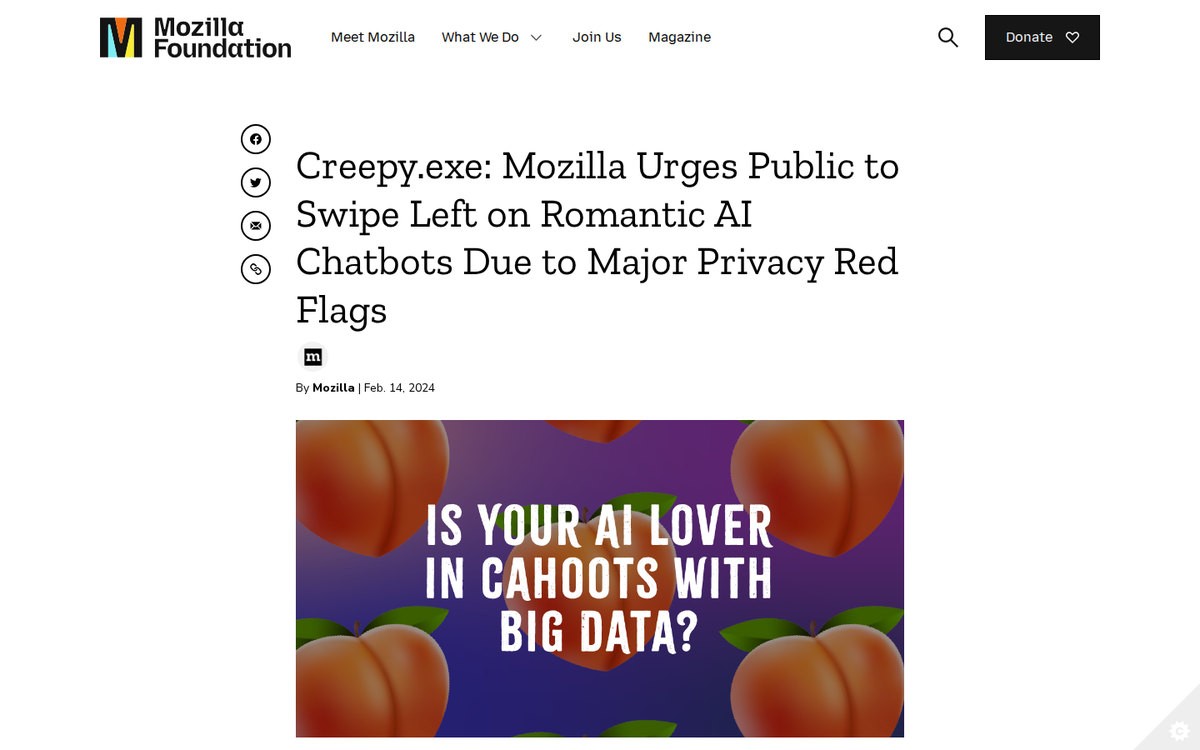
Mozilla Foundation’s 2024 privacy review of romantic AI chatbots, which sets out the data questions every companion app user should ask, October 2026.
Platforms and apps
Digi was mobile-only, on iOS and Android, with no web version; the website was a landing page, not a way to chat. Both store routes are now closed as far as we can find: Google Play returns “not found” in the US, UK, Australian and German stores we checked, and a search of the US App Store for the app and its publisher returns nothing relevant. An app removed from a store stays on phones that already have it, but it cannot be downloaded again once deleted.
Support, cancellation and refunds
Subscriptions were sold through Apple and Google, which is the good news: your payment contract is with the store, and store rules apply whatever the developer does. A listing disappearing does not by itself stop renewals, so check your subscriptions now and cancel if Digi is still there. Then ask the store for a refund of the current period, citing a paid service that is no longer available. Apple refund requests go through its problem-reporting site; Google refunds start from your Play order history, and for charges older than 48 hours Google normally sends you to the developer first but will handle the request where the developer cannot be reached. Outcomes are case by case. Digi’s own support address could not be confirmed as working, and its terms and refund policy can no longer be read. A card chargeback is a last resort and can affect your store account.
Who it is for
Right now, nobody should sign up for or pay for Digi. Existing subscribers should cancel the store subscription, request a refund, change any reused password and treat their chat history as stored on a server they no longer control. People who liked Digi have three reasonable moves. Replika is the only widely used app with a fully animated 3D avatar, with voice calls on its paid tier and a flat price of about $19.99 a month or $69.99 a year as reported, though it does not allow explicit chat and keeps romance behind the paywall. Kindroid offers adult-permissive chat with voice and video calls through a generated likeness rather than a rendered avatar, publishes its memory limits, and costs $13.99 a month on the web; since 1 October 2026 it has no lasting free tier. Nomi has strong long-term memory, group chats that map onto Digi’s worlds, and store or web billing at $15.99 a month or $99.99 a year. If the avatar was the point, choose Replika; if unfiltered chat and calls were, Kindroid; if memory was, Nomi. Whichever you pick, pay monthly or through a store, which is what still lets Digi’s subscribers stop paying today. We will update this page if Digi returns or the company makes a statement.
Research basis: desk research from the official site, help centre, terms and public user reports, October 2026.
Plan | Price | Billing | What it includes | Gated behind credits |
|---|---|---|---|---|
Current status | Not available | No store listing found; site unreachable since 2 October 2026 | New sign-ups and purchases not possible | n/a |
Free (historical) | $0 | None | Limited chat with the animated avatar | No token system |
Digi Plus (historical) | $11.99/mo (about $10/mo introductory), as reported | Auto-renewing through the App Store or Google Play | Unlimited messaging, voice chats, long-term memory, personas and worlds | None; no tokens or coins |
Digi Plus prices are as reported by 2026 reviews; no first-party price page could be read. At $11.99 a month a year cost about $144, with no extra charges for voice or memory, which was cheap and simple by category standards.
The cost that matters now is any renewal still running. If a store subscription renews against a service that does not answer, every month is money for nothing until you cancel it in your Apple or Google subscriptions.
Safety, privacy and content policy
What the terms allowed and banned
Digi’s terms can no longer be read: the website has been unreachable since 2 October 2026. Earlier reviews describe romantic and mature conversation with an “unfiltered AI” promise, but the published rules never set out what was allowed, and app-store content rules applied on top.
Age checks
No age-check method was published. Store ratings were reported as 16+ on Apple and Mature 17+ on Google Play, lower than the 18+ most companion apps set.
Data and privacy
Digi’s earlier Google Play data-safety declaration said data was encrypted in transit, not shared with third parties, and could be deleted on request. With the site down and no confirmed support channel, there is no working way to request deletion or export. Assume your conversations may persist on servers you cannot reach.
History
No breach or regulator action was found. The store listings have disappeared without a public explanation, and the company has made no statement we could find.
Where marketing and terms disagree
The “unfiltered AI” marketing sat awkwardly beside 16+ and 17+ store ratings and rules that never defined adult content. That gap can no longer be checked against the terms.
How to cancel Digi AI
Digi was billed only through the app stores, so cancel there even though the app no longer answers.
iPhone or iPad: Settings, your name, Subscriptions, Digi, Cancel Subscription.
Android: Google Play, profile icon, Payments and subscriptions, Subscriptions, Digi, Cancel.
A store removal does not automatically stop renewals. After cancelling, request a refund for the current period from Apple or from your Google Play order history, citing a service that is no longer available. Refunds are at the store’s discretion. Keep screenshots of the failed connection as evidence.
Questions people ask
Has Digi AI shut down?
Unconfirmed. Since 2 October 2026 the website has failed every check by our monitor, Google Play returns “not found” and the app does not appear in US App Store search, but the company has not announced a closure. Treat it as offline.
Why is Digi AI not working?
The app depends on Digi’s servers, and its web presence has not answered since early October 2026. Reinstalling will not help, and if you delete the app you will not be able to download it again.
How do I cancel Digi AI?
Through the store you paid with. On iPhone: Settings, your name, Subscriptions. On Android: Google Play, profile icon, Payments and subscriptions, Subscriptions. Cancel if Digi is still listed.
Can I get a refund for Digi AI?
Possibly. Ask Apple or Google for a refund of the current period, citing a service that is no longer available. Neither guarantees one, but a paid service that has stopped working is a strong case.
Is Digi AI free?
Not any more in practice. It once had a limited free tier, but the app cannot currently be downloaded or signed up for.
Did Digi AI allow NSFW?
Only loosely. It marketed “unfiltered AI” and romance, but its store ratings were 16+ and 17+ and its rules never defined adult content, so explicit material was limited and unclear.
Does Digi AI have an app?
It was an iOS and Android app with no web version. As of October 2026 neither store listing can be found.
What is the best alternative to Digi AI?
For the animated 3D avatar, Replika. For adult chat with voice and video calls, Kindroid. For long-term memory and group chats, Nomi. None matches Digi’s exact mix.
Is Digi AI down right now?
Live result from our monitor, which loads the public homepage every 15 minutes from a server in Europe. If the site is up but the app misbehaves after login, that is an in-app problem the check cannot see.
Alternatives to Digi AI

Kindroid
7.4
The most transparent power-user companion: published memory limits, a new Polaris model, explicit content for verified adults. The free tier ends on 1 October 2026; expect a stacked bill and credit meters.

Nomi AI
6.9
The strongest memory in mainstream companion apps, with expressive voice included, held back by suggestive-only images, a no-refund policy and pricing you only see after signing up.

Replika
5.9
The original AI companion, mid-rebuild. Replika 2.0 reportedly drops the Diary and the 3D avatar and has cost some users memories. Soft romance only, prices unpublished, all sales final.
Related guides on Digi AI
No dedicated guide yet. The comparisons and how-to guides cover the whole category.
Ranked in
Not yet placed in a ranking.